

MaiCreator
Now showing · for Windows

Your AI director for faceless videos

Give Mai a topic. MaiCreator writes the script, narrates it, sets it to pictures with captions and music, and renders the finished video on your PC. You approve the script before anything costs money.

  • No card for the trial
  • Pay once, keep it
  • Shorts, TikTok, Reels and long videos
The cost estimate MaiCreator shows before you start: about 79 cents for a Short
Mai, MaiCreator’s camera mascot, waving
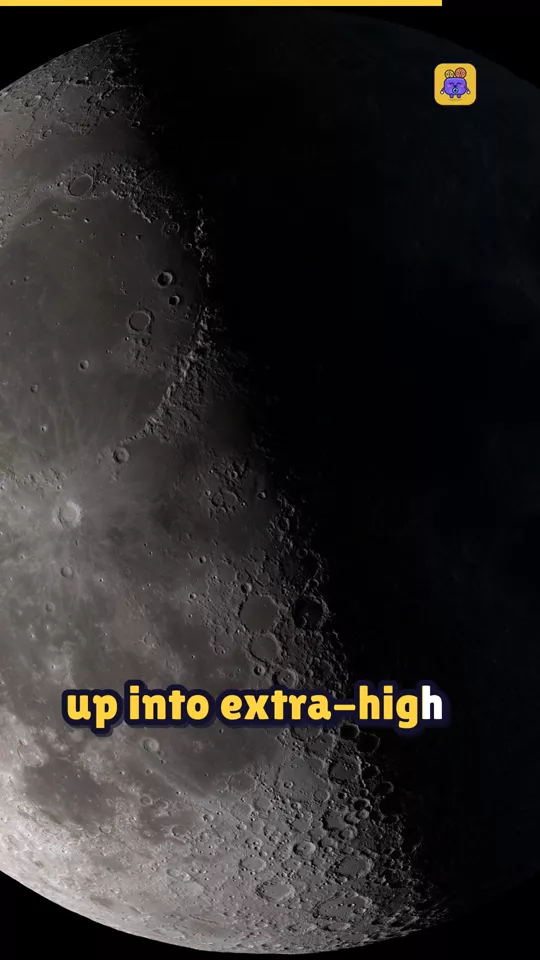
The Short on the phone was made in MaiCreator from NASA photos. Shown muted.

Four takes from topic to upload

Set up your channel once: topics, story style, look and voice. Then every video is a few clicks, and you stay the one who says “action”.

Take 01 · Idea

Type a topic, or let it find one

Pick a category and let the trend scan suggest three ideas, or type your own. Start from your own script or voiceover if you have one.

  • Short, long, or both, for YouTube, TikTok and Reels
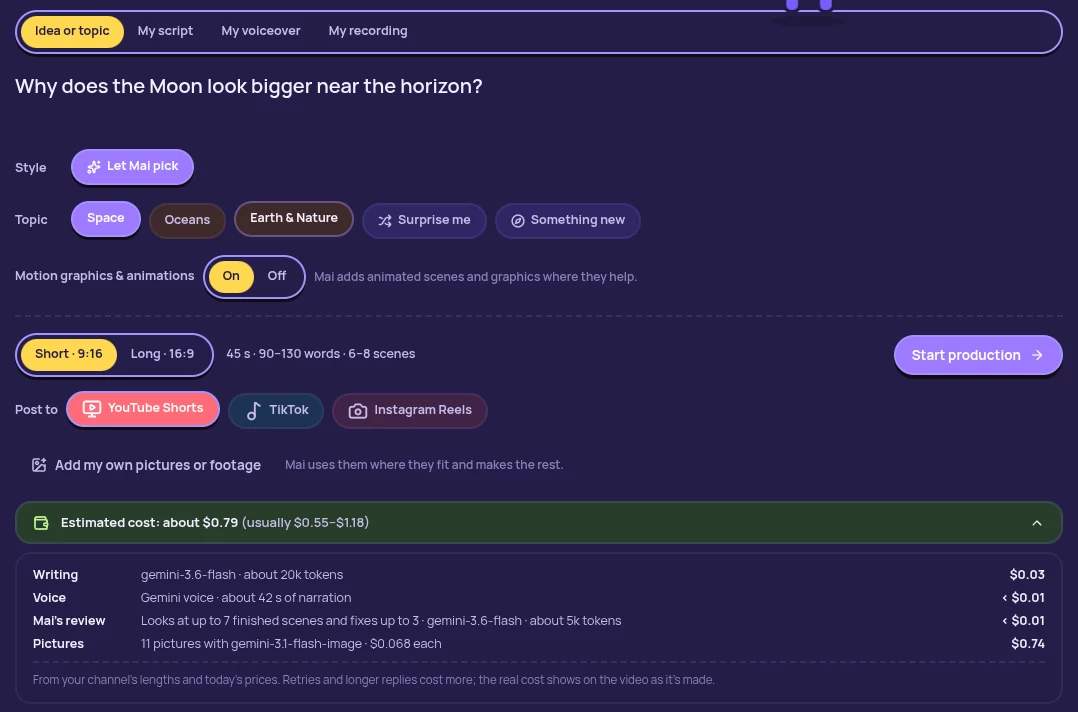
  • The cost shows before you start
The start screen: a topic typed in, the Space topic and motion graphics chosen, a Short for YouTube Shorts and a cost estimate of about 79 cents
Take 02 · Script

Approve the script before anything is paid for

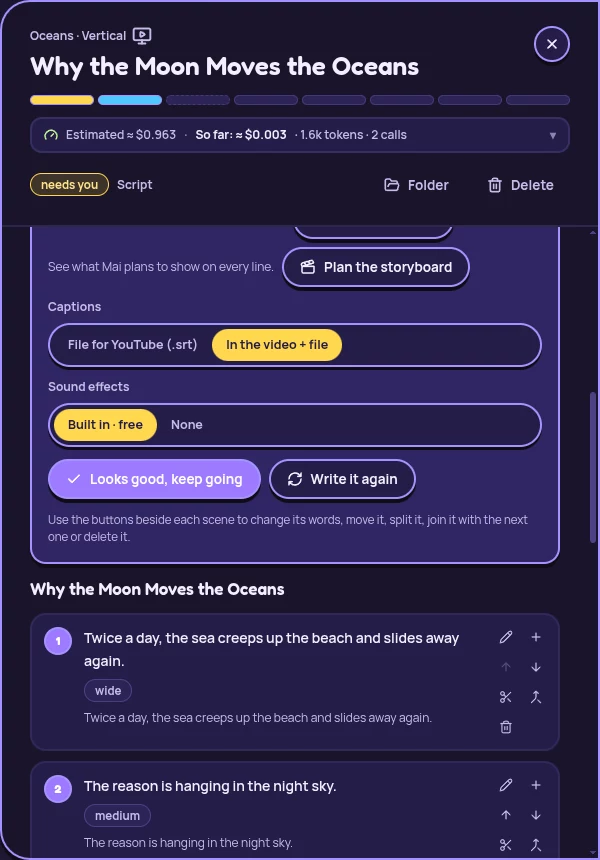
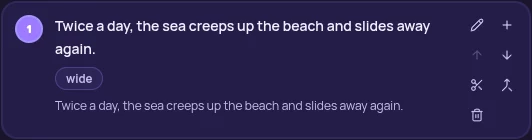
Read every scene. Change the words, move, split, join or delete scenes. When you approve, the voice and pictures are made.

  • Research with sources comes first
  • Names and tricky words get pronounced right
The script check for “Why the Moon Moves the Oceans”: captions, sound effects and the approve button, then each scene with its editing buttons
Take 03 · Direct

Mai directs every video

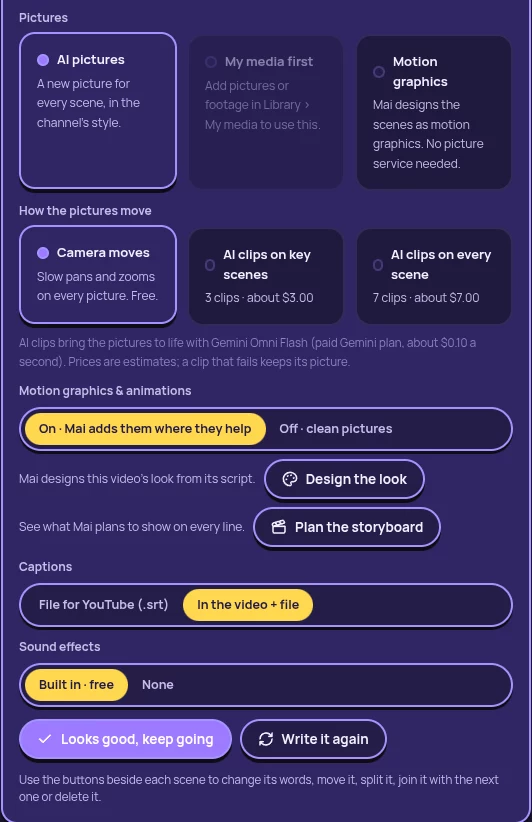
Camera moves, transitions, captions, sound and music mood are picked for each video, and animated scenes are designed in a look made for that script. At the script check you choose what matters: AI pictures, your own media or motion graphics, clips, captions and sound.

  • Every video gets its own look, not a template
  • Change any scene later by hand, or ask Mai
The choices at the script check: AI pictures, your media or motion graphics; camera moves or AI clips; motion graphics on, with Design the look and Plan the storyboard; captions and sound effects
Take 04 · Render

A finished video, made on your PC

Full HD with narration, captions on every word, music and graphics, plus titles, description and thumbnails to upload it with.

  • Checked for length, loudness, black and frozen frames
  • Your files never leave your computer
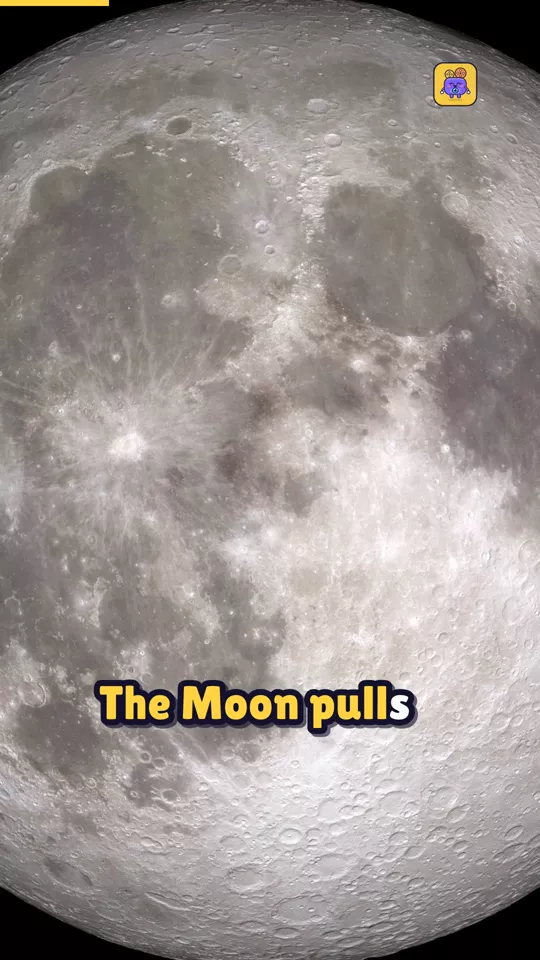
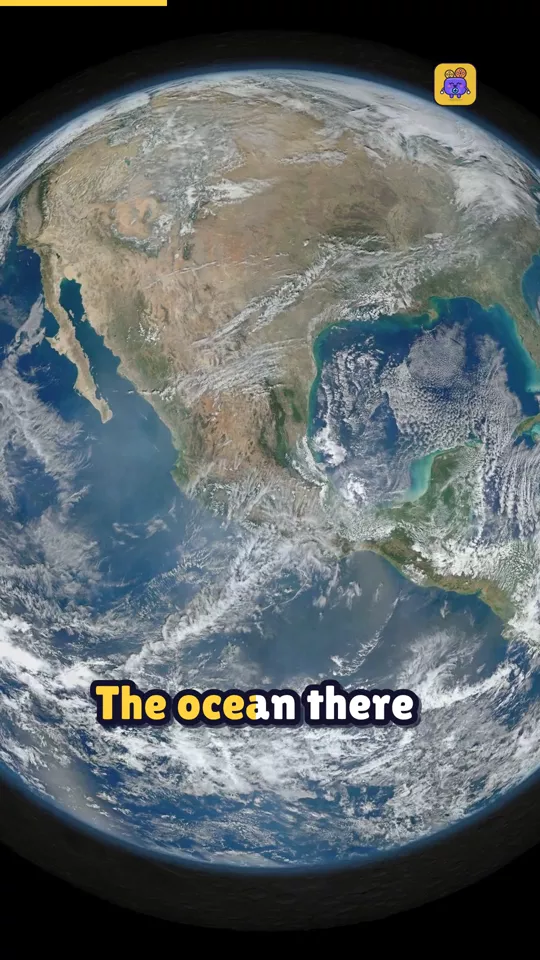
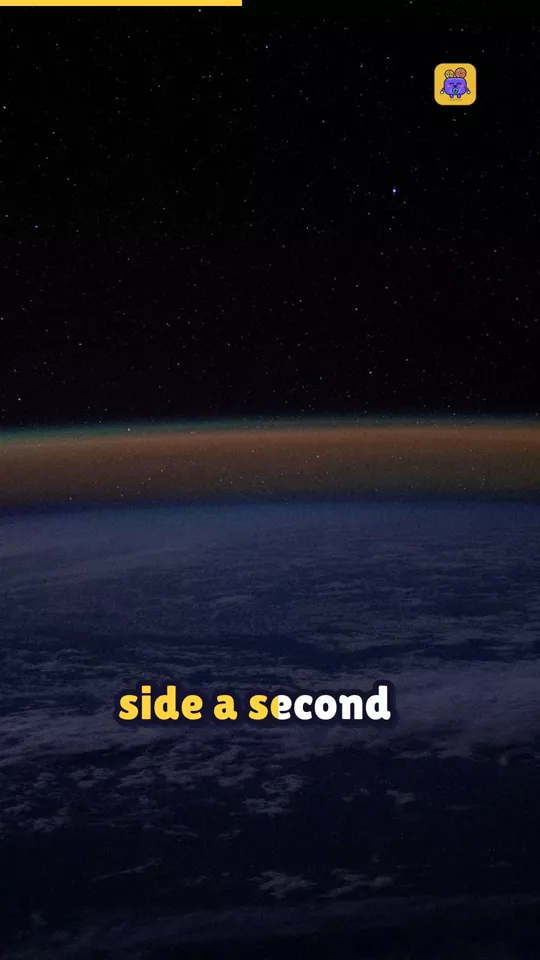
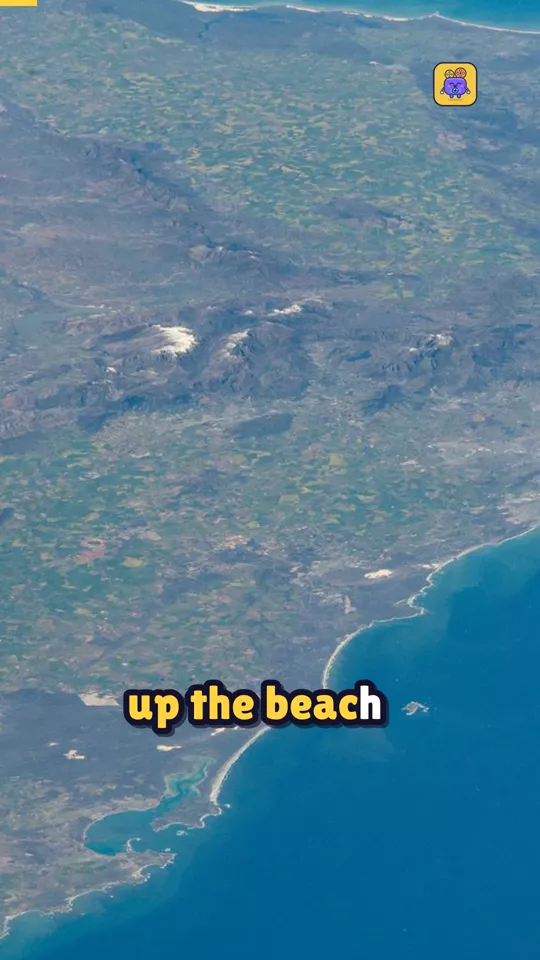
Rendered frame: the full Moon risingRendered frame: the Moon close upRendered frame: Earth from space

Straight from the render

Frames from the demo Short, exactly as MaiCreator made them: photos with slow camera moves, captions on every word, and your logo in the corner.

Frame 1 of the demo Short about tidesFrame 2 of the demo Short about tidesFrame 3 of the demo Short about tidesFrame 4 of the demo Short about tidesFrame 5 of the demo Short about tidesFrame 6 of the demo Short about tides

Photos: NASA, public domain. Made in MaiCreator’s “My media” mode.

Everything in the kit

One app between the idea and the upload. No editor, no stock site, no subscription.

Ideas for your channel

A trend scan suggests three ideas in your categories, or bring your own topic.

Research with sources

Key facts with links, and a flag on anything disputed, before the script is written.

Your script or voiceover

Paste a script and it’s kept word for word, or bring a recording and it’s timed to your pauses.

Natural narration

Gemini or ElevenLabs voices, with the odd pause, chuckle or whisper where it fits.

Pictures that move

AI pictures in your style, your own photos and clips, or free brand backgrounds, with camera moves.

Captions on every word

Six fonts and four looks. Offline speech recognition places each word exactly, free.

Shorts, TikTok, Reels

Vertical videos kept clear of each app’s buttons, and Shorts cut from your long videos.

Ready to upload

Titles, description with chapters, tags and three thumbnails. Upload to YouTube from the app.

Tutorial videos

Let AI build a small demo app and record it, or record your own screen step by step.

Fine-tune on a timeline

Move cuts, split shots, add text and pictures, set the music. The preview matches the final video.

Characters that stay the same

A character sheet for each recurring character keeps faces and clothes consistent in every scene.

More models, more music

Use Higgsfield’s Kling and Hailuo clips with your own key, and get a ready-made prompt for Suno or Udio.

Pay Google, not us, for the AI

MaiCreator uses your own Gemini key, so you pay Google’s own prices with nothing added. Every video shows its cost before you start and what it really cost after.

Short · your photos
$0

Gemini’s free tier writes and voices it; your photos or free backgrounds fill the scenes.

Short · AI pictures
$0.90

About 13 pictures in your channel’s style, plus a few cents for writing and voice.

6-minute video · AI pictures
$2.80

About 39 pictures. Writing and narration for the whole video are under 15 cents.

MaiCreator’s own estimates with Google’s published Gemini prices of October 28, 2026, in US dollars. Optional AI video clips cost about $1 each and are off unless you turn them on.

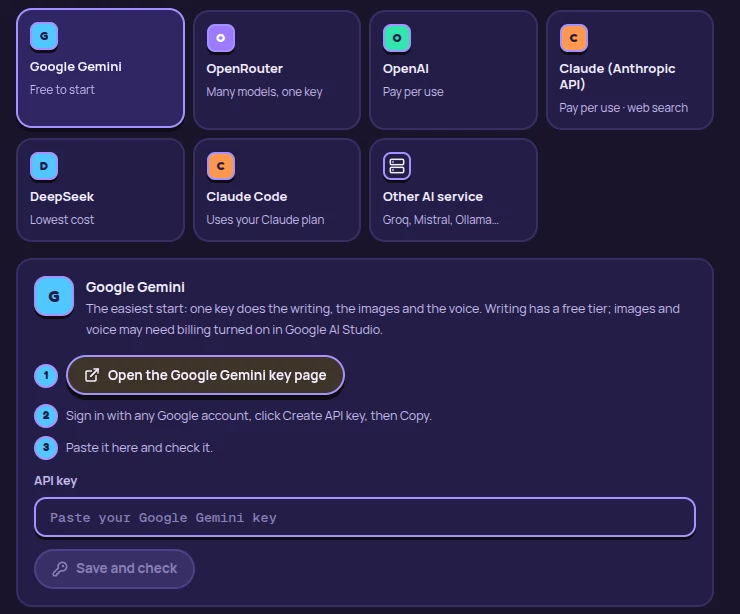
The key is free, and Mai sets it up with you

Get a Gemini key from Google AI Studio in about two minutes. When MaiCreator first starts, Mai walks you through it, step by step, and checks the key works.

MaiCreator’s AI setup: pick a writing service, then three steps to connect a free Google Gemini key

One ticket. Yours to keep.

No subscription, no credits. Try it free first.

Admit one · MaiCreator licence
$19$29USD, one time

Launch price · $29 after the launch weeks

  • Pay once, no subscription
  • 2 Windows PCs
  • Every version 1 update
  • No markup on AI costs

Secure checkout by Stripe. Your licence key appears right after payment.

Free preview

3 videos on us

Every feature, no card, no account. Because you can try it fully, all sales are final.

Questions

Do I have to pay for AI on top?

Not to start. A free Google Gemini key covers the writing and the voice, and your own photos or free backgrounds cover the pictures, so your 3 free videos can cost nothing. For AI pictures you turn on billing with Google and pay them directly: about $0.90 for a Short.

Is it a subscription?

No. You pay once and keep it, with every version 1 update.

What do I need?

A Windows 10 or 11 PC (64-bit), an internet connection, and a free Google account for the Gemini key. MaiCreator walks you through the key when it first starts.

Who owns the videos?

You do. Check facts, respect other people’s rights, and label AI-made content where platforms ask you to.

All questions

“Windows protected your PC”? MaiCreator is new and its installer isn’t signed with a paid certificate yet, so Windows may show this the first time. Click More info, then Run anyway. You only see it once.

Your first video could be ready tonight

Download MaiCreator, connect a free Gemini key, and make 3 videos free.